
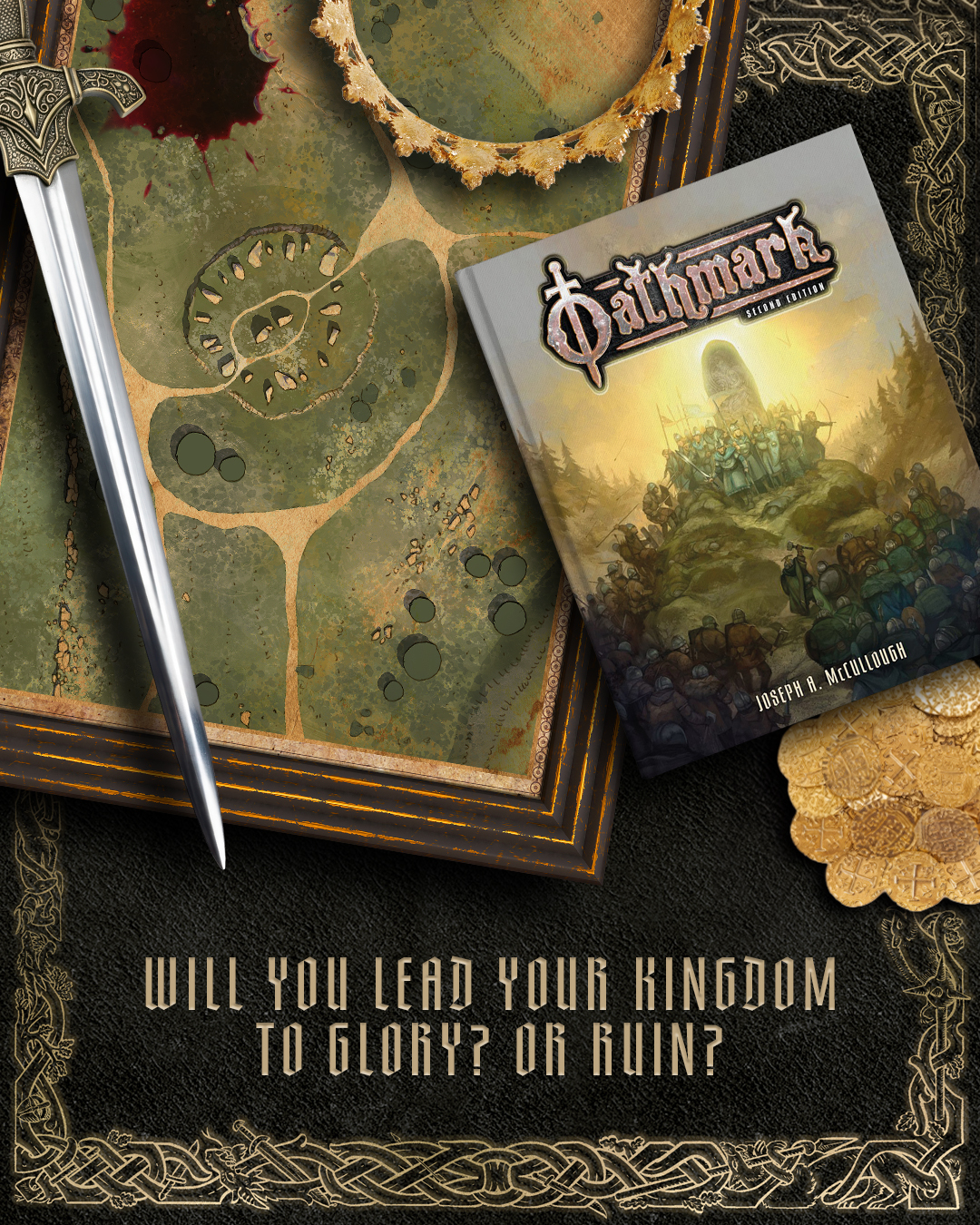
Oathmark: Second Edition revises and expands Joseph A. McCullough's epic rules for mass fantasy battles. At the heart of playing Oathmark is your kingdom and today we'll look at the rules for creating one.
✼ ✼ ✼ ✼ ✼ ✼
In an Oathmark campaign, you'll chart the rise (and fall?) of your kingdom. Your kingdom and your army are intrinsically linked as the regions within your kingdom will determine which units you can recruit. As you progress through the campaign, you'll have the chance to expand your kingdom, opening new recruitment options for your army. It's an opportunity to weave an epic story, not only covering the characters and units of your army but the land they fight for.
Creating your kingdom begins with the Kingdom Sheet which you'll find at the back of the book or can be downloaded from our resources page. Your kingdom is represented by a set of concentric circles or ‘regions’ with your capital city at the centre. Each region contains a number of territory slots for you to fill out. This is an abstract rather geographic representation of the kingdom, showing how close or far certain territories are from your seat of power.

When you begin a campaign, players should agree on the starting size of their kingdoms. For beginners we recommend starting out by selecting territories for Regions 1 & 2 and growing from there. Experienced players may instead choose to begin with kingdoms containing 3 or 4 regions to more quickly field large armies.
The capital of your Kingdom will define its culture, and which territories can be included. As your kingdom expands and the regions you gain move further from your capital, the option to incorporate territories from other cultures becomes available, allowing for unique army compositions. Let's look at two of the example kingdoms from the rulebook; A beginner level kingdom starting with 2 regions and a moderate level kingdom starting with 3 regions.
Example Kingdom 1 – Grundeland
Tony is new to the world of miniature gaming but has a box of plastic Dwarf Infantry and a box of plastic Human Infantry and would like to use them both. As everyone in his group is new to the game, they decide to start the game at beginner level. This means that Tony must create a kingdom with three territories. Looking at the figures, Tony decides he likes dwarves more, so decides to focus on them. He selects a Dwarf City (1) as his capital, which will allow him to use all the figures in the Dwarf box. For his first territory in Region 2, he selects a Human City (1). This is a rarity (1) territory on the Human Capital City list, meaning he can put it in a Region 2 territory in his own kingdom. This city allows him to use all the figures in the Human box. That’s all Tony really needs to muster his armies, but he’s still got one territory left.

Next month Tony plans to pick up a box of Dwarf Heavy Infantry, so he goes ahead and selects Forges (2) for his final territory. As this is a rarity (2) territory on the Dwarf Capital City List, he can include it in Region 2 of his kingdom. The Forges will allow him to field heavily armoured dwarf warriors or linebreakers when he comes to muster his armies. He names his kingdom Grundeland, as that has a nice, heavy dwarvish ring to it. It is ruled by Barrok IV, an old, but still hearty dwarf. Just for fun, Tony sketches out a shield with a crossed hammer and sword on it to be the symbol for his kingdom, representing the unity of the dwarves and humans that live there. After a bit of practice, he might try painting the symbol onto some shields or maybe a banner. For the moment though, it’s time to start assembling some miniatures!
Example Kingdom 2 – Vasala
Lydia has been playing miniature games for years and already has an army of elves which she collected for another game. She’d like to give the army new life by using it for Oathmark. Her friends are also experienced players, so they decide to start the game at moderate level, meaning she can create a kingdom with three complete regions. Obviously, she selects an Elf City (1) as her capital and quickly adds Silver Mines (2) and Forests (2) as her two territories in Region (2). This will give her access to all the standard infantry models in her collection. She also has some cavalry, so she adds Grasslands (2) as the first territory in Region 3. She has several wizard figures, so adds Towers (3), so that she’ll be able to take an additional wizard, and potentially one of higher level as well. This covers all the figures she currently has.

She likes the idea of adding a ballista at some future date, but has also always wanted to paint some goblin wolfriders. So, in the end, she selects Dark Hills (2) from the Goblin Capital City List. As it is rarity (2) on that list, it can go into Region 3 in her kingdom. She’d never really considered having goblins in the same army as elves before, but she likes the idea of goblins carrying elvish shields. She might have to do some kit-bashing by mixing pieces from two different boxes of miniatures! Lydia names her kingdom Vasala, which is ruled by the young elf queen Kelindra. She decides that Kelinda is a powerful sorceress who may appear in games as a spellcaster figure. Most armies, she thinks, will be led by Kelindra’s younger brother, Prince Kalek. She then gets excited and goes on to name all the generals and high-ranking captains in the kingdom! She also draws a quick map of the kingdom, which she plans to go back to later and do a ‘proper’ job.
Your kingdom awaits
The kingdom rules are a catalyst for creativity. They're hook for great narrative, adding resonance to the battles you'll fight on the table. They encourage hobby creativity, the unique geography of your kingdom inspiring paint schemes or kit-bashes. If you're feeling extra creative, you could even draw out a map of your kingdom as seen in this video by PeachyTips. You'll be able to create a Kingdom of your own when Oathmark: Second Edition releases on August 25th (US) / 27th (UK).
How will you shape your kingdom?
✼ ✼ ✼ ✼ ✼ ✼
Oathmark: Second Edition is available to pre-order now.
Next time we'll look at creating a Legendary Hero for your army.

Comments
You must be logged in to comment on this post. Click here to log in.
Submit your comment